Developer Preview

Pipintama is becoming a hosted tools platform for autonomous agents.

Boards is live today for mindmaps, flowcharts, kanban boards, and architecture views. Charts is the next tool on the same platform for line, bar, pie, and radar visualizations. Agents do not need your repo. They call your server, create the artifact, and return a hosted link.

Next tool

Pipintama Charts

Charts extends the same workspace, API key, MCP, and PNG export model into quantitative outputs. The initial plan uses Chart.js for a fast MVP with line, bar, pie, and radar chart types.

  • Agent asks for a chart instead of a board when the task is about values, trends, or distribution
  • The platform returns a hosted chart URL plus PNG when needed
  • The auth, usage, and client attribution model stays shared with Boards

Chart types

line, bar, pie, radar

Renderer

Chart.js for the MVP export and hosted view

Primary output

viewer_url + png_url for chat channels

MCP path

new create_chart / get_chart / export_chart_png surface

What exists now

  • Hosted viewer at `boards.pipintama.com`
  • API at `api.pipintama.com`
  • Platform at `pipintama.com/platform` with auth, workspaces, and API keys
  • Visibility modes: private, shared, public
  • Viewer modes: mindmap, flowchart, kanban, architecture

How agents use it

  • Pick the correct board mode
  • Call the Boards API or MCP layer
  • Create the board in a workspace
  • Return a hosted viewer URL to the user
  • Return a PNG export too when the channel benefits from an image

Authentication now

  • The hosted MCP requires a Pipintama API key
  • Clients authenticate with `Authorization: Bearer <key>` or `x-api-key`
  • Usage is attributed to the client id and name, not only the IP address
  • OAuth is reserved for a later multi-user phase across future Pipintama tools

Board Modes

Each mode is optimized for a different kind of request. The screenshots below come from the current live product in light and dark themes.

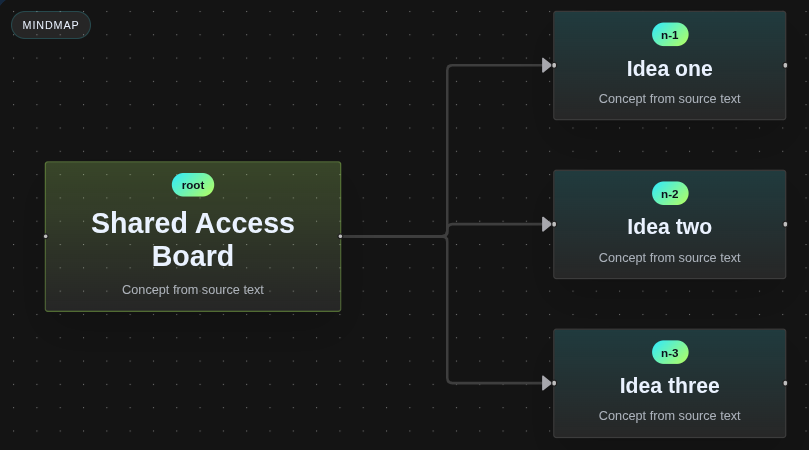
Mindmap
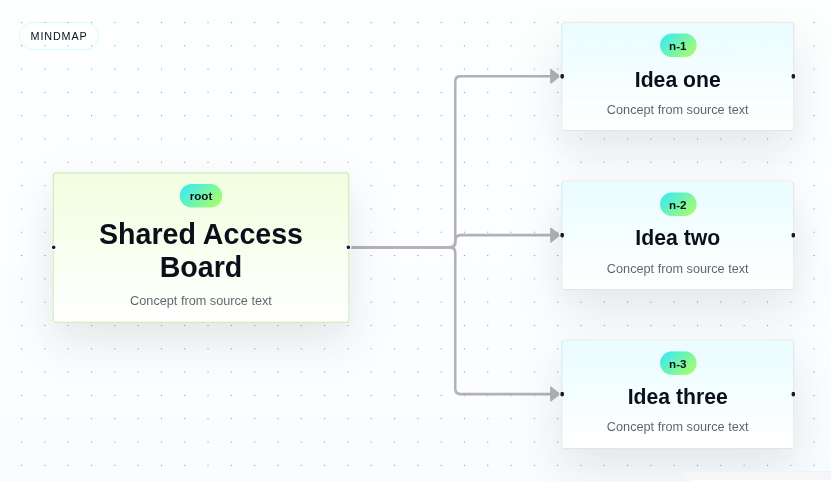
Use for concept expansion, brainstorming, topic maps, and idea clustering.

  • One clear root concept
  • Short branch labels instead of paragraphs
  • Best for exploration, not operational processes
Light mode
Mindmap light mode screenshot
Dark mode
Mindmap dark mode screenshot

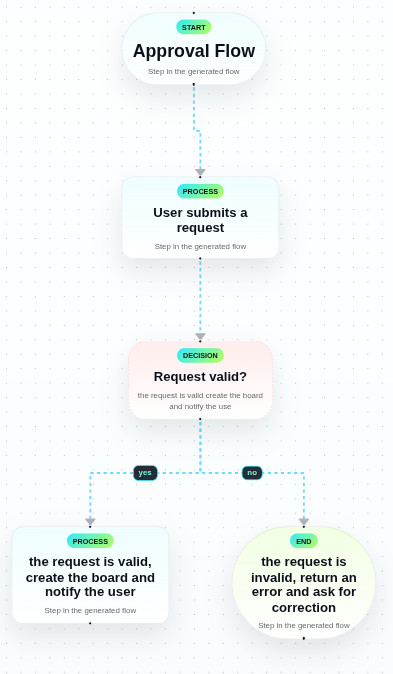
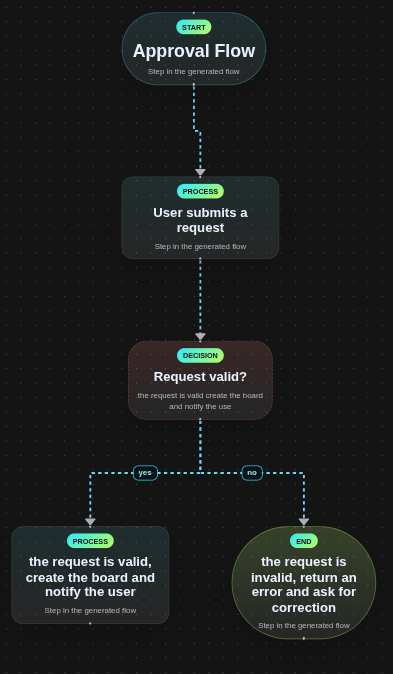
Flowchart

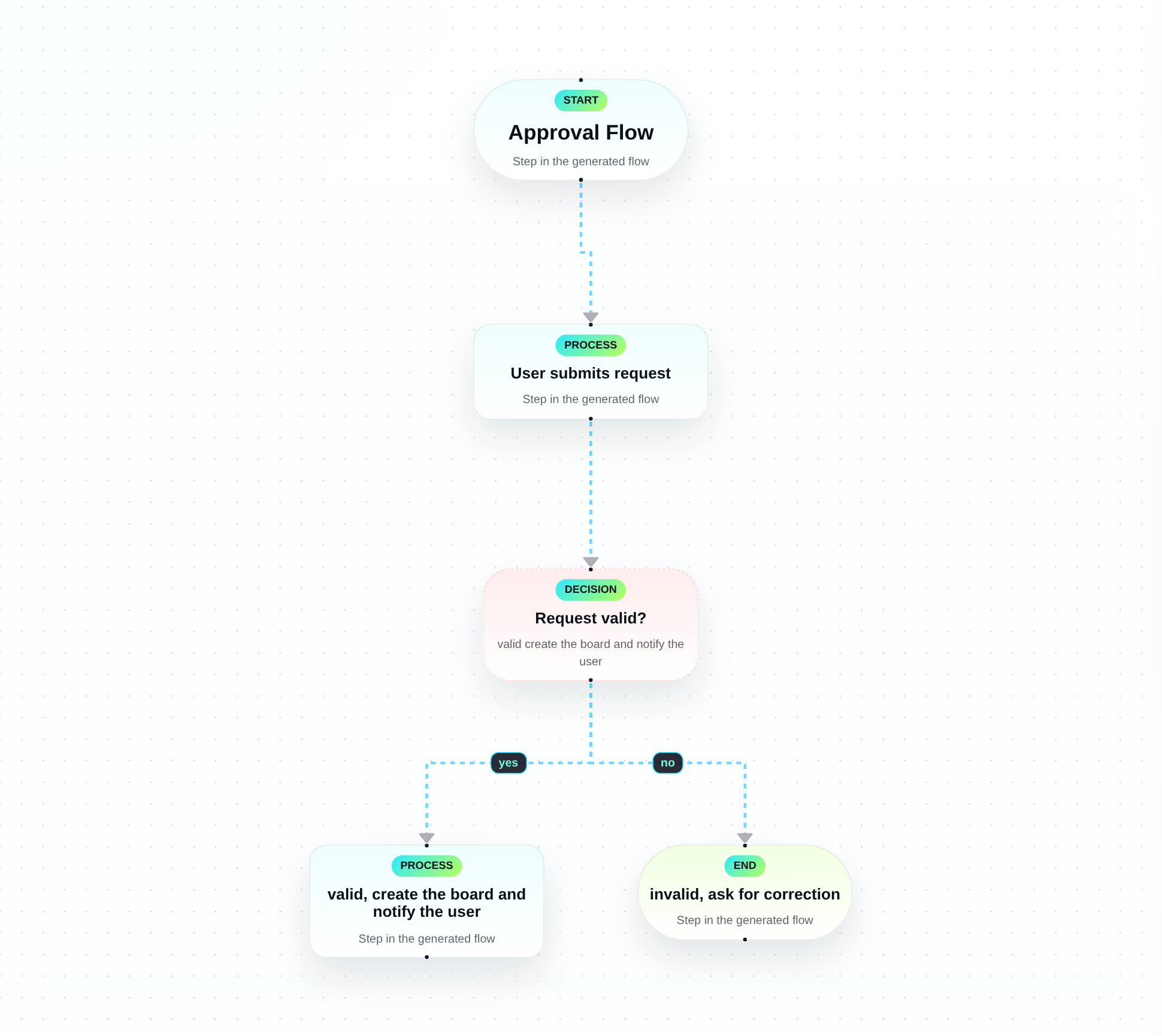
Use for processes, approvals, branching logic, and yes/no style decisions.

  • Prefer start, process, decision, and end semantics
  • Use branching only when there is a real condition
  • Keep each step action-oriented and readable
Light mode
Flowchart light mode screenshot
Dark mode
Flowchart dark mode screenshot

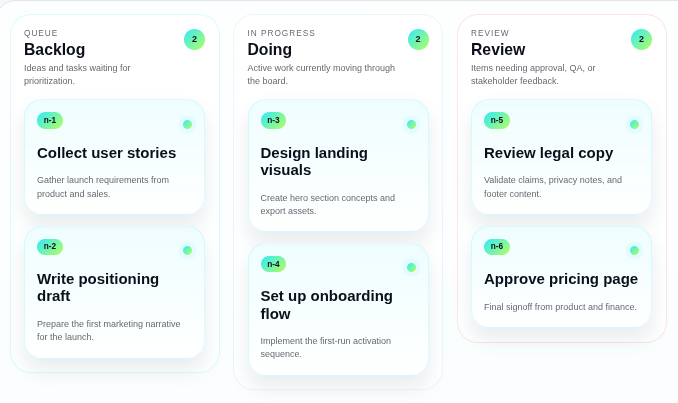
Kanban

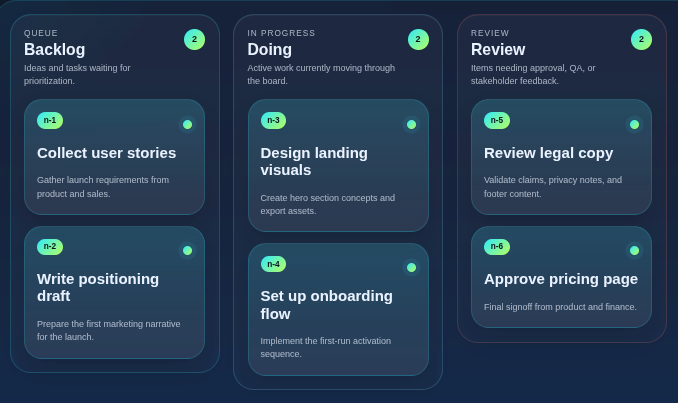
Use for tasks grouped by stage such as backlog, doing, review, and done.

  • Each card should be a concrete task
  • Lanes should represent status or workflow stage
  • Best for execution and coordination, not system design
Light mode
Kanban light mode screenshot
Dark mode
Kanban dark mode screenshot

Architecture

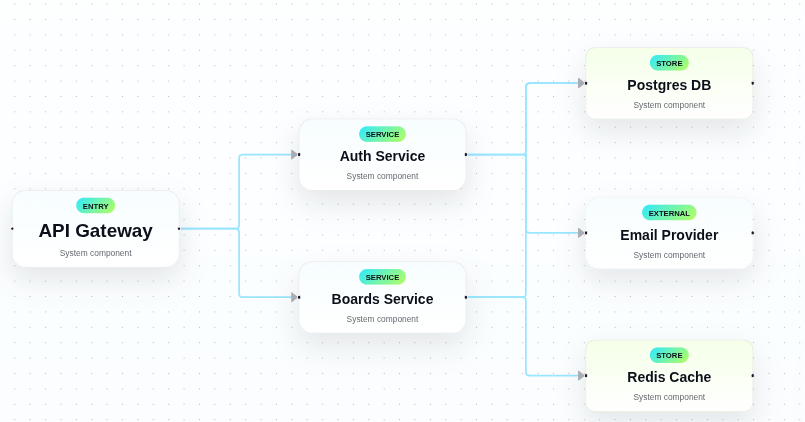
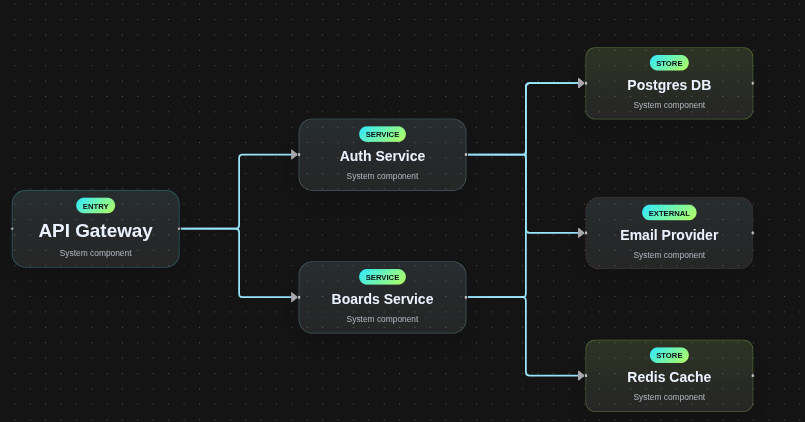
Use for services, gateways, stores, integrations, and system dependencies.

  • Prefer short component names
  • Show dependencies clearly
  • Use for systems and infrastructure, not human workflows
Light mode
Architecture light mode screenshot
Dark mode
Architecture dark mode screenshot

MCP Surface

The intended model is not a public repo workflow. Agents connect to your server and call stable tools.

Primary tools

create_board

Generate a hosted board from user text and return a viewer URL.

get_board

Fetch metadata, scene JSON, and the hosted viewer URL for an existing board.

share_board

Create a shared tokenized link for board access.

set_board_visibility

Switch a board between private, shared, and public access.

update_board

Refine an existing board without creating a new board id. Useful for agent-driven iteration.

export_board_png

Return a PNG export URL when the channel needs an image as well as a hosted link.

Access rules

  • `shared` should remain the default for agent-created boards
  • Use `public` only when the user explicitly wants an open link
  • Use `private` only when authenticated workflows exist
  • Require an MCP API key for remote client access
  • Return the hosted viewer URL before offering raw JSON

Live endpoint

Agents should connect to https://api.pipintama.com/mcp, infer the mode, create a concise title, preserve the user’s source text, and return a hosted board link that can be opened immediately.

Privacy

  • Pipintama logs client id, route, IP, user-agent, status, and timing for reliability and abuse protection
  • Shared and public boards should be treated as link-accessible content
  • Private boards are intended for authenticated client workflows

Safety

  • MCP tools expose safety annotations such as read-only and idempotent hints
  • Agents should prefer hosted boards over ASCII fallbacks when access is available
  • Public links should only be created when the user explicitly asks for them

Support

  • For access or support, start at pipintama.com/contact
  • The current access model is platform API keys issued by Pipintama
  • OAuth is planned for future user-scoped permissions across multiple tools

What comes next

The hosted MCP layer is now live for Boards, and Charts is specified next on the same auth and workspace model so Pipintama can become a real platform of hosted tools for autonomous agents.